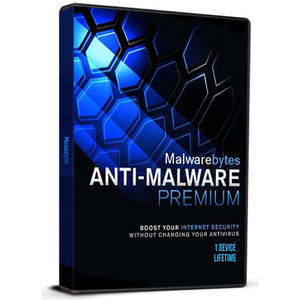
Malwarebytes is an industry-leading desktop scanner detects and removes malware like worms, Trojans, rootkits, rogues, spyware, and more for your Windows PC. All you have to do is launch the software and run a scan. It's that simple. Or if you want even better protection, consider Anti-Malware Premium and its instant real-time scanner that automatically prevents malware and websites from infecting your PC. Either way you're crushing malware and foiling hackers. According to OPSWAT, Malwarebytes offline installer for PC is the most popular security product installed by users.you need to deactivate Malwarebytes before formatting, or else you will lose the license. If you format your PC or make hardware changes without deactivating Malwarebytes, you may not be able to reactivate it. To deactivate the license, open your Malwarebytes application and navigate to Settings > Account > Deactivate LicenseActivation instructions:1-Download and install the latest version from this link https://downloads.malwarebytes.com/file/mb4-windows 2-Click the Activate license button (This is how) https://i.ibb.co/3BKsP3c/1-2.png3-Click the text box under the License key, then enter your License ID and License Key. Be sure to include hyphens and capitalization.4-Click the Activate button.